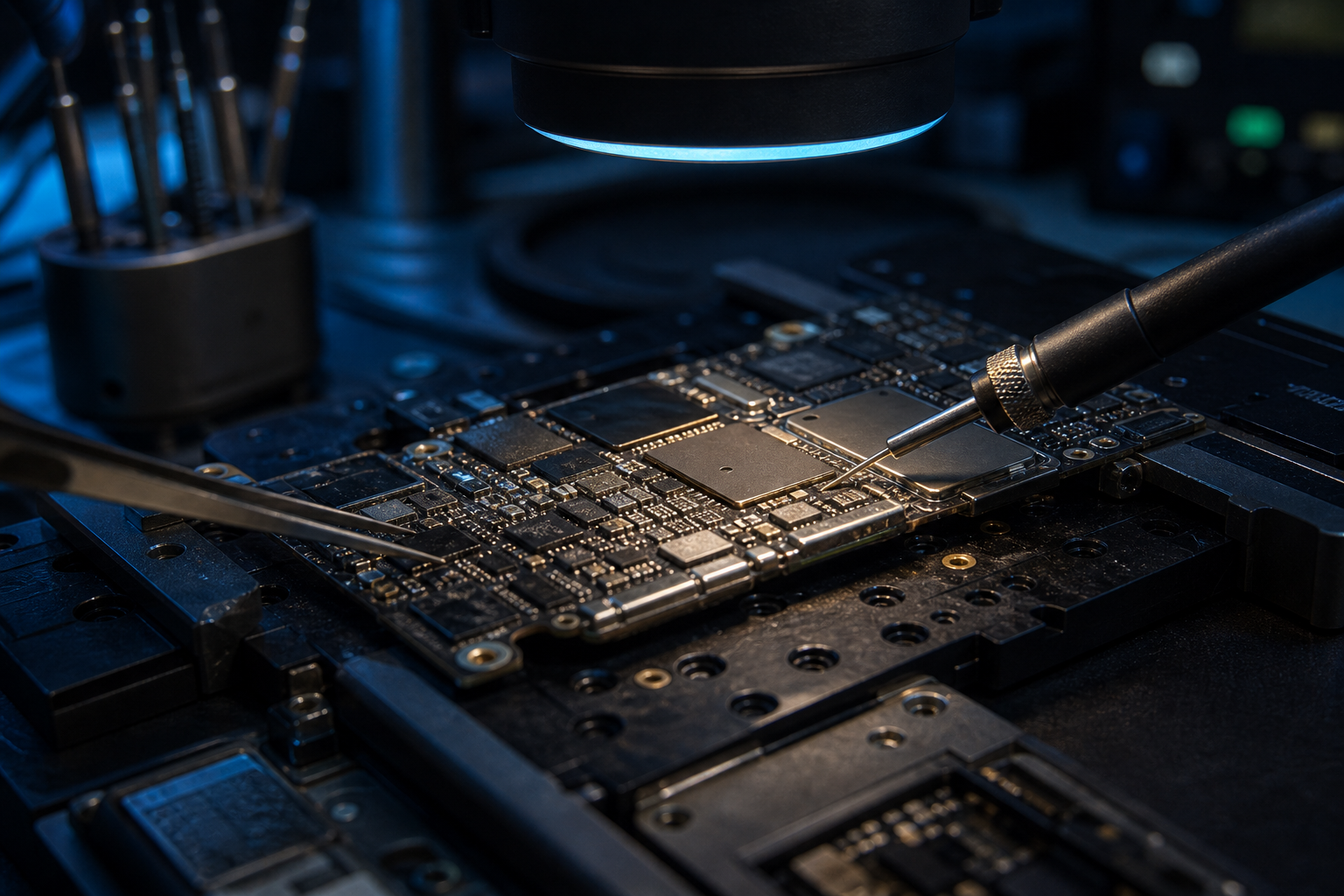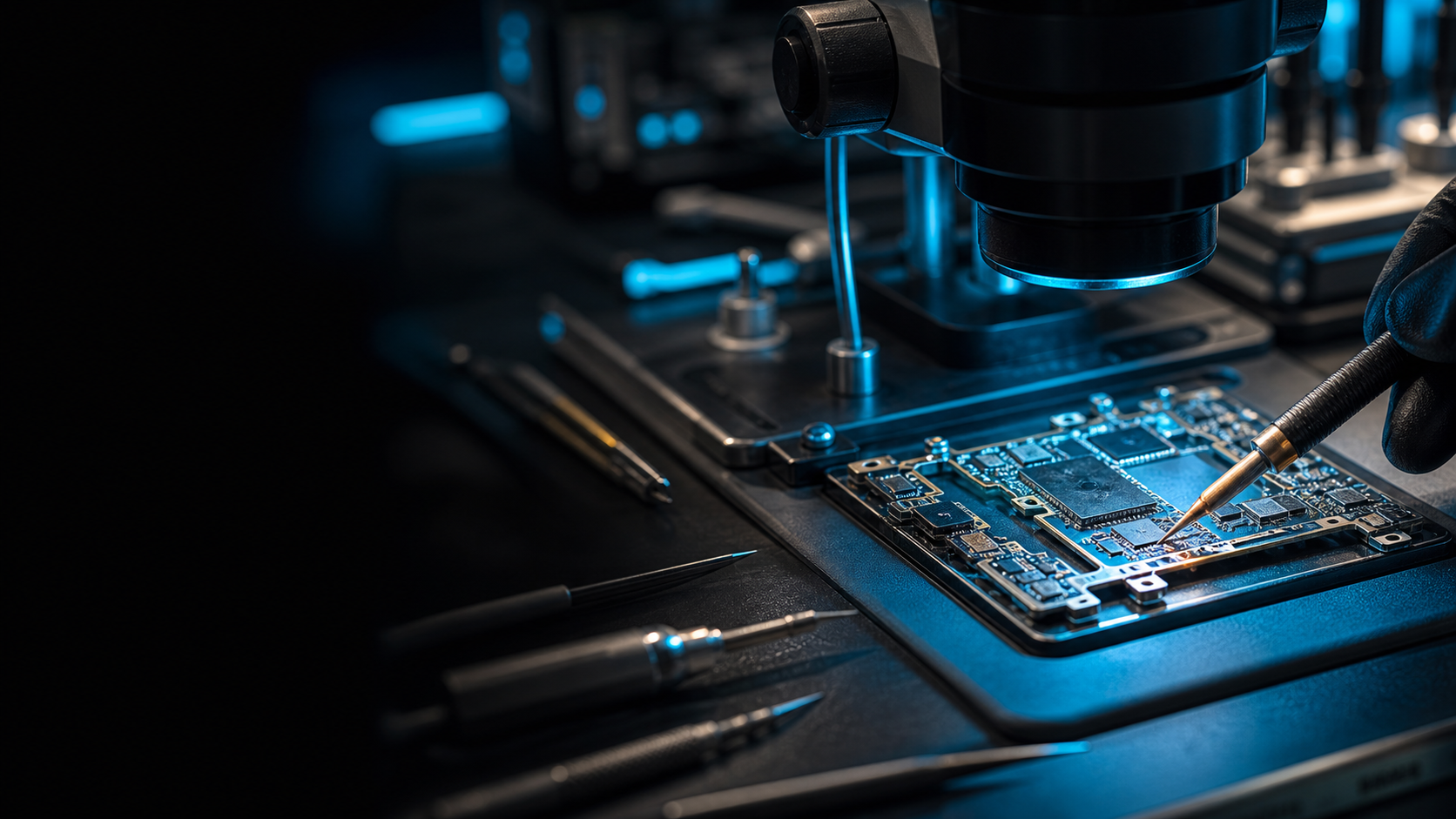
Premium advanced repair lab

Advanced iPhone and iPad repairs beyond parts replacement.

Specialist diagnostics, motherboard repair and data recovery for faults a simple parts swap cannot solve.

Diagnosis from £35Includes both-way shipping and full assessment
Quote approvalNo repair proceeds until the customer approves the quote
90-day warrantyFrictionless automated warranty process made possible by scanning a QR code.
Start Book diagnosis Journey See stages Proof Reports Status Track job

Inside the lab

Diagnosis is our strength. No guesswork.

We carry out expert, data-driven diagnosis on each fault so the repair path is precise, not guessed.

Tech2Fix microscope-assisted board repair
01 Inspect
02 Measure
03 Report

Beyond parts replacement

When simply swapping parts does not solve the problem.

Specialist routes for dead devices, deeper iPhone and iPad faults, and cases already written off elsewhere.

Dead Device

No power, no response or liquid damage.

No Display

Black screen faults beyond the display.

Not Charging

Charging circuits, ports and power paths.

Overheating

Thermal faults and board-level shorts.

Motherboard Diagnosis

Advanced diagnosis without confusing jargon.

Told It Cannot Be Fixed

A serious second assessment before replacement.
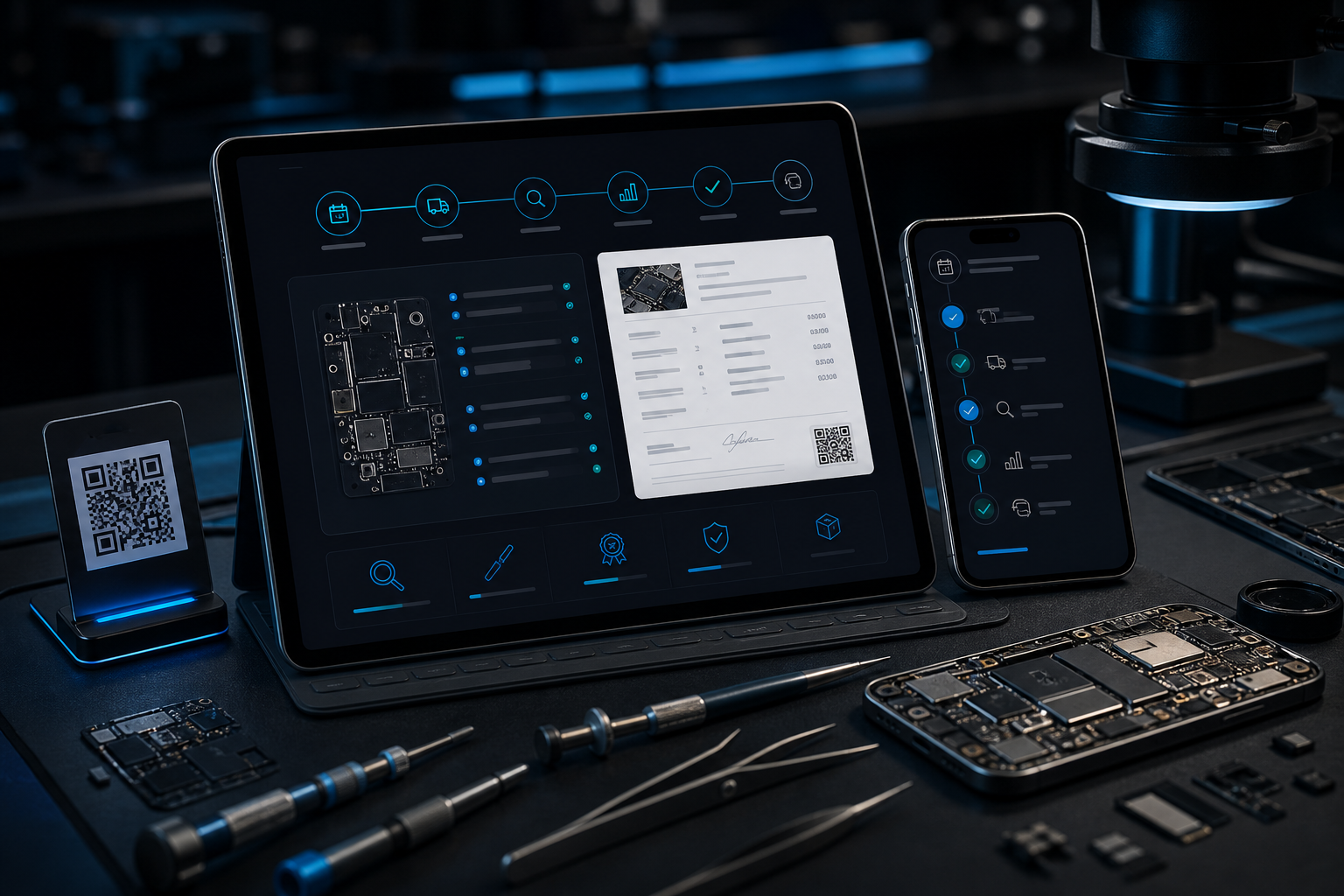
Tech2Fix repair workflow dashboard with smartphone, tablet, tools and board-level repair context

Premium technical service

A repair lab for the work average repair routes avoid.

Built for serious faults, secure handling and clear decisions before repair work begins.

iPhone and iPadCore specialist devices
Motherboard repairAdvanced diagnosis available
Data recoveryWhen the data matters most

How it works

From booking to return.

Six clear stages. No repair starts until the quote is approved.
  1. 01BookPay diagnosis
  2. 02ShipLabel by email
  3. 03ReceiveLogged in lab
  4. 04ReportFindings and quote
  5. 05DecideApprove or decline
  6. 06ReturnWarranty included
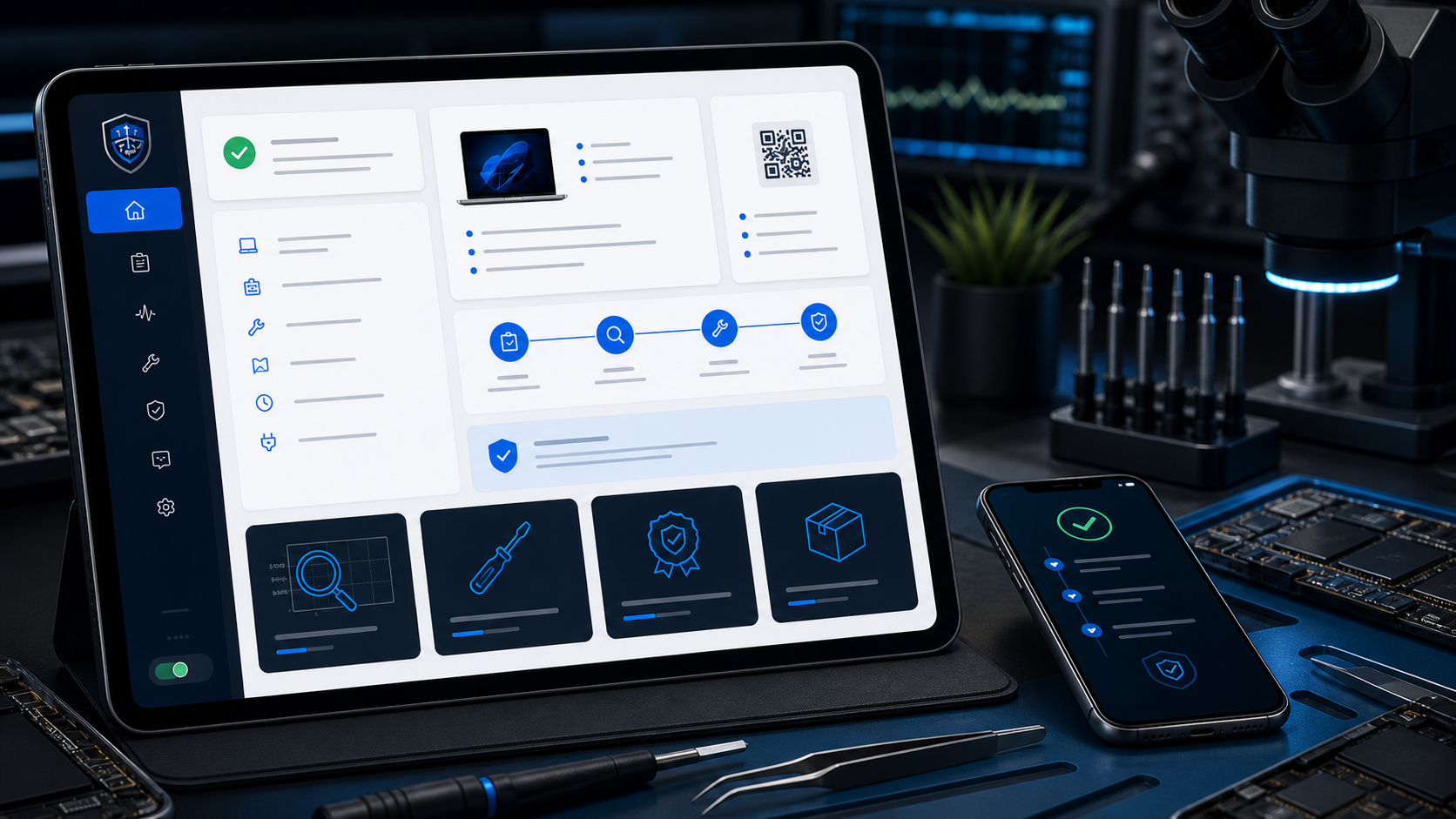
Tech2Fix report workflow preview
Diagnostic Findings before approval
Warranty QR route after repair

Reports, risk and secure handling

Clear reports. Secure handling. No blind decisions.

The same customer journey that explains the fault also protects sensitive access and records the repair outcome.

Diagnostic

Before approval

Fault, quote, risk level and evidence where it helps the customer decide.

Security

No plain-text passcodes

Sensitive access is requested only when needed and handled through secure routes.

Repair

After completion

Repair carried out, parts used, test outcome and warranty start details.

Warranty

QR claim route

Repair reports include the frictionless warranty route after completion.

Repair tracking

Customers will be able to check the job status without chasing.

A simple embedded lookup will show safe customer-facing status using job reference and surname.

Read tracking questions
DEV Tracking worker preview
Current status Device in lab Diagnosis timeline, main status and safe report links will appear here once the worker is live.

Book a repair

Start with the diagnostic booking.

The booking form is embedded from the dedicated Cloudflare Worker at bookings.tech2fix.uk. Payment confirms the booking, creates the customer job record and triggers the shipping instructions.

Diagnostic fee firstRepair pricing is confirmed after assessment.
Fee credited to repairIf you approve the repair, the diagnostic fee is deducted.
No repair without approvalYou approve, decline or extend the quote window.
Data recovery assessmentRecovery jobs are assessed and quoted before any recovery attempt.
Open booking in a new tab
DEV Tech2Fix booking worker

Warranty process

90-day repair warranty with a simple QR-code claim route.

Completed repair reports include the warranty details and a QR code for the warranty worker. During the first 30 days, Tech2Fix covers warranty shipping both ways. From day 31 to day 90, the customer pays the warranty shipping upfront and Tech2Fix provides the labels.

Warranty Worker

Important questions

The details that make customers feel safe sending a valuable device.

Ready when you are

Give the device a proper diagnosis before replacing it.

Start the booking, send the device safely, and approve the quote only when the fault is clear.

Book Your Repair